Playwright vs Selenium: Which Testing Tool Should You Choose in 2026?
The difference is not which tool does more — it is which tool removes the most friction for your specific team, project, and long-term maintenance reality.
This guide covers both tools honestly, compares them on the dimensions that actually matter in day-to-day work, and helps you make the right choice for your situation in 2026.
What Is Selenium?
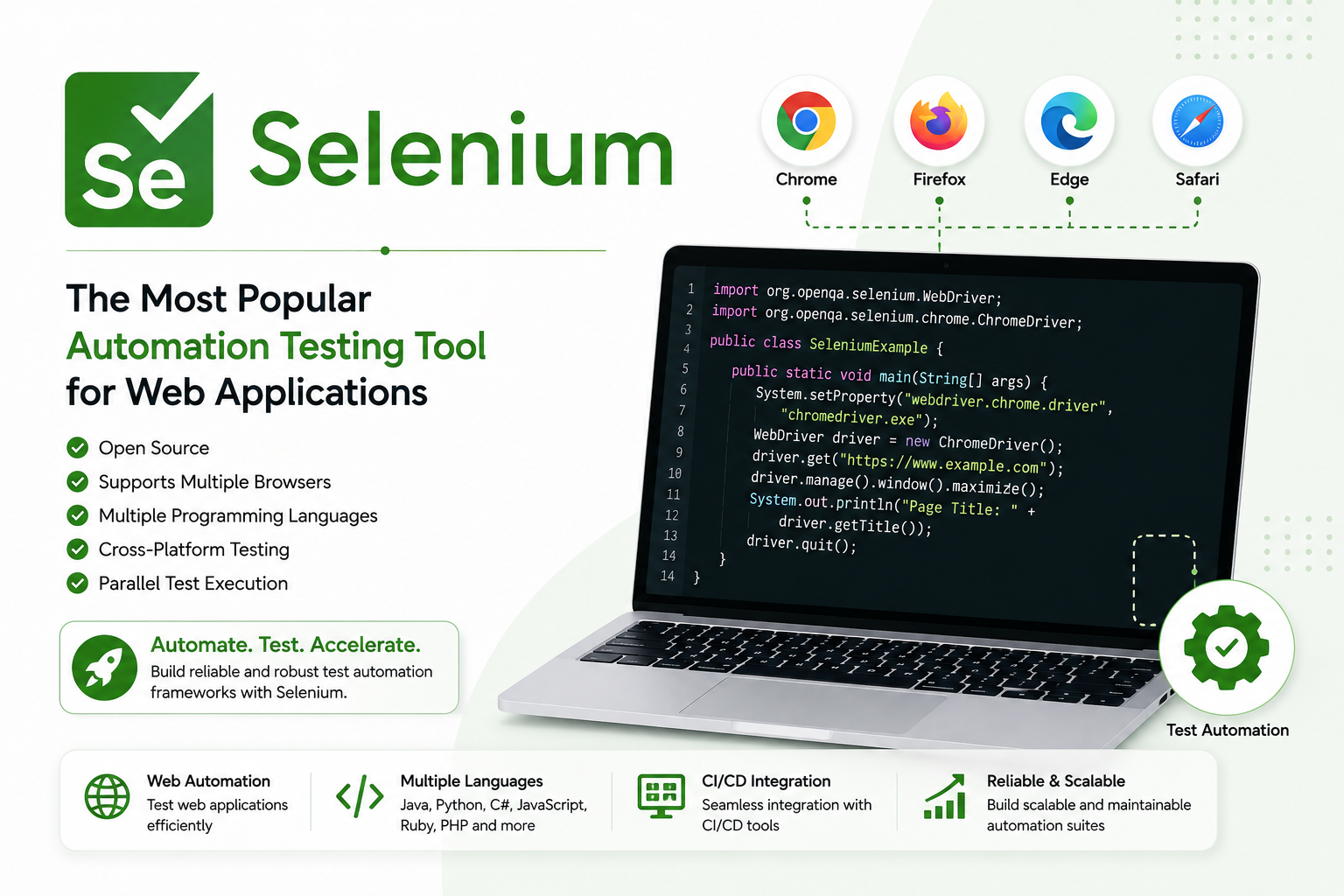
Selenium is one of the oldest and most widely adopted browser automation frameworks in existence. First released in 2004, it has been the standard tool for automated web testing across enterprise teams for over two decades.
Selenium works by simulating real user interactions — opening browsers, clicking buttons, filling forms, navigating between pages — through code. It does this via a driver-based architecture where each browser has a corresponding driver (ChromeDriver, GeckoDriver, etc.) that Selenium communicates through.
Why Selenium still shows up everywhere:
- It has been around long enough that most QA engineers have used it
- It supports more programming languages than any competing tool — Java, Python, C#, Ruby, PHP, JavaScript, and more
- It integrates with virtually every CI/CD system, test grid, and cloud testing platform in use today
- Enterprise teams have often built entire test frameworks on top of Selenium over years of investment
Where Selenium adds complexity:
Selenium operates at a lower level than modern alternatives. Teams using it are typically responsible for:
- Managing browser driver versions and keeping them in sync with browser updates
- Implementing explicit and implicit waits to handle dynamic content
- Debugging flaky tests caused by timing issues
- Choosing, integrating, and maintaining additional tools for reporting, screenshots, and video capture
What Is Playwright?
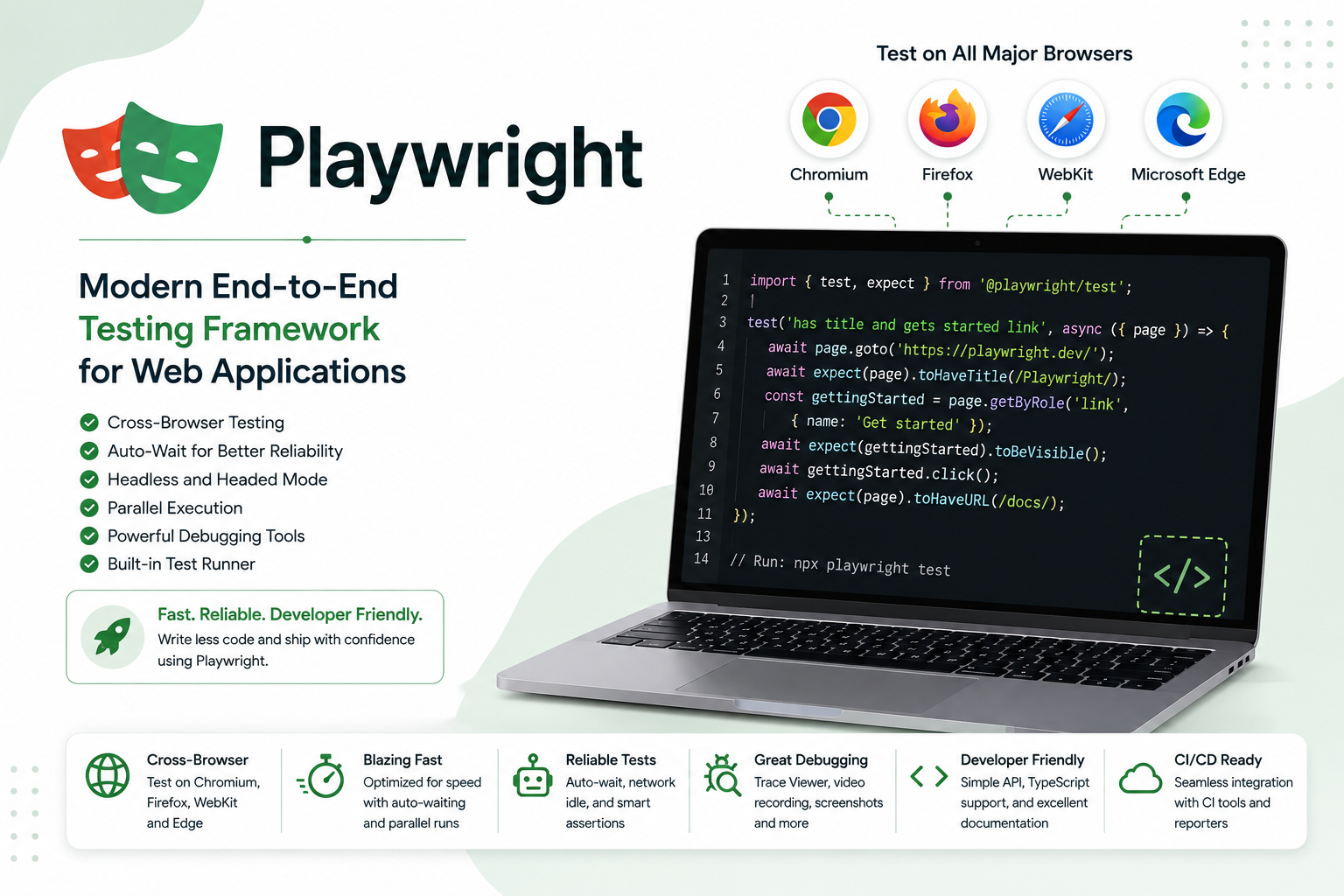
Playwright was released by Microsoft in 2020 as a response to the everyday friction teams experience when testing modern, dynamic web applications. It is built around the idea that reliability and developer experience should be built into the framework itself — not assembled from external tools and custom utilities.
Where Selenium communicates with browsers through a layered driver model, Playwright uses an event-driven architecture that communicates more directly with browser engines. This gives it better control over timing, network activity, and browser state.
What Playwright includes out of the box:
- Automatic waiting for elements, network requests, and navigation — no manual wait configuration needed
- Built-in trace viewer, screenshot capture, and video recording for debugging failed tests
- Browser binaries for Chromium, Firefox, and WebKit shipped with the tool — no separate driver management
- Parallel test execution and isolated browser contexts for faster, more reliable test runs
- A code generator that records user interactions and generates test code automatically
Playwright vs Selenium: Side-by-Side Comparison
| Area | Playwright | Selenium |
|---|---|---|
| First released | 2020 | 2004 |
| Architecture | Event-driven, direct browser engine control | Driver-based layered model |
| Language support | JavaScript, TypeScript, Python, Java, .NET | Java, Python, C#, Ruby, PHP, JavaScript, more |
| Browser support | Chromium, Firefox, WebKit (modern browsers) | All major browsers including legacy (IE) |
| Driver management | Built-in — browsers included | Manual — must match browser versions |
| Auto-waiting | Built-in for elements and network | Manual explicit/implicit waits required |
| Debugging tools | Built-in trace viewer, video, screenshots | Requires external tools or custom setup |
| Parallel execution | Native, via isolated browser contexts | Via Selenium Grid or external tools |
| Mobile testing | Device emulation built in | Via cloud-based device testing platforms |
| Setup complexity | Low — Node.js and minimal config | Higher — drivers, bindings, optional server |
| Community size | Growing rapidly | Very large, mature ecosystem |
| Open source | Yes | Yes |
Head-to-Head: The Differences That Actually Matter
Test Speed and Performance
Playwright is faster in practice. Its direct communication with browser engines and built-in automatic waiting means tests run with fewer pauses, fewer retries, and more predictable timing.
In CI/CD pipelines where a full test suite runs on every commit, this speed compounds. A suite that takes 45 minutes in Selenium might run in 20 minutes in Playwright — not because the tests are different, but because the infrastructure overhead is lower.
Selenium can be fast when properly configured, but the waits, retries, and driver overhead require careful tuning to achieve comparable performance.
Edge: Playwright
Flakiness and Reliability
Flaky tests — tests that pass and fail intermittently without code changes — are one of the most expensive problems in automated testing. They erode trust in the test suite and waste engineering time investigating false failures.
The primary cause of flaky Selenium tests is timing — the test tries to interact with an element before it is fully ready, the wait is not configured correctly, or the browser state changes unexpectedly.
Playwright's auto-waiting mechanism addresses this at the framework level. Before interacting with any element, Playwright automatically waits for it to be visible, stable, enabled, and ready. This behaviour is on by default and eliminates the most common class of flakiness without any configuration.
Edge: Playwright — particularly for teams with flakiness problems in their current Selenium suite.
Debugging Failed Tests
When a test fails, understanding why is the most time-consuming part of maintaining a test suite.
Playwright ships with a trace viewer that records a complete timeline of every test run — DOM snapshots, network requests, console logs, and screenshots at every step. When a test fails in CI, you open the trace, scrub to the failure point, and see exactly what happened. No additional tooling required.
With Selenium, getting equivalent debugging information requires integrating external tools — reporting libraries, screenshot utilities, logging frameworks — and configuring them carefully. This setup is achievable but adds engineering overhead upfront and ongoing maintenance costs.
Edge: Playwright — the built-in debugging experience is significantly better.
Language and Ecosystem Flexibility
Selenium supports more programming languages than Playwright. Java, Python, C#, Ruby, PHP, JavaScript — if your team has strong opinions about language, or if you are in an enterprise environment with existing technology standards, Selenium's breadth is a genuine advantage.
Playwright supports JavaScript/TypeScript, Python, Java, and .NET — which covers the vast majority of professional teams. But if your stack requires Ruby or PHP, Selenium is currently your only option between the two.
Selenium's ecosystem is also more mature in terms of third-party integrations, community resources, and available expertise in the hiring market. If you are posting a job for a QA engineer today, you will find far more candidates with Selenium experience than Playwright experience.
Edge: Selenium for language breadth and ecosystem maturity.
Browser and Platform Coverage
Playwright supports Chromium, Firefox, and WebKit — covering the modern browser market comprehensively. For the vast majority of web applications in 2026, this is more than sufficient.
Selenium supports every major browser including Internet Explorer and legacy versions that Playwright does not cover. For teams in industries that must support legacy browsers — government systems, enterprise internal tools, certain regulated environments — this remaining Selenium advantage is real and non-trivial.
Edge: Selenium for legacy browser requirements. Tie for modern browser requirements.
Setup and Maintenance Overhead
Getting Playwright running takes minutes. Install Node.js, run npm init playwright@latest, and the tool downloads the browsers, creates a config file, and generates example tests. The first test run can happen in under five minutes.
Getting Selenium running requires more steps — installing language bindings, downloading the correct browser drivers, matching driver versions to installed browser versions, and optionally configuring Selenium Grid for parallel execution. Each of these steps is manageable but adds time and ongoing maintenance as browsers update.
Edge: Playwright — meaningfully easier to set up and keep running.
Which Tool Should You Choose?
Choose Playwright if:
- You are starting a new project with no existing test infrastructure
- Your application targets modern browsers — Chrome, Firefox, Safari
- You want to reduce flakiness and debugging overhead
- Your team works primarily in JavaScript/TypeScript, Python, Java, or .NET
- You want fast CI/CD integration with minimal configuration
- Developer experience and debugging quality are priorities
Choose Selenium if:
- You have a mature, working Selenium test suite that the team maintains well
- You need to support legacy browsers including Internet Explorer
- Your team has deep Selenium expertise that would take significant time to retrain
- Your language of choice is Ruby or PHP
- You need the broadest possible ecosystem integration for your enterprise environment
- Rewriting existing tests would carry more cost than the productivity gain justifies
The Migration Question
If you are running Selenium today and considering a move to Playwright, the question is not which tool is objectively better. The question is whether the productivity gain from switching outweighs the cost of rewriting your existing test suite.
A rough framework:
- If your Selenium suite is small (under 200 tests) and flakiness is a persistent problem, migrating to Playwright is likely worth it
- If your Selenium suite is large and well-maintained, the migration cost is high and the gain is incremental — consider Playwright only for new test areas while maintaining existing Selenium coverage
- If your Selenium suite is large and poorly maintained, a rewrite in Playwright is an opportunity to fix the maintenance debt at the same time
Frequently Asked Questions
Is Playwright better than Selenium in 2026?
For new projects targeting modern browsers, Playwright is the stronger default choice — faster setup, less flakiness, better built-in debugging, and better CI/CD performance. For teams with existing Selenium infrastructure, legacy browser requirements, or Ruby/PHP stacks, Selenium remains the better fit.
Can I use both Playwright and Selenium in the same project?
Yes. Some teams use Playwright for new tests while maintaining existing Selenium coverage during a gradual migration. The tools are independent and can coexist in the same CI/CD pipeline.
Is Playwright harder to learn than Selenium?
No — most developers find Playwright easier to learn than Selenium because the setup is simpler, the auto-waiting removes a significant class of complexity, and the documentation is modern and comprehensive. Selenium's learning curve comes from driver management, wait configuration, and assembling external debugging tools.
Does Playwright replace Selenium?
Playwright has become the default choice for many new projects that previously would have used Selenium, but it has not replaced Selenium in the existing installed base. Millions of tests run on Selenium every day and will continue to for years. The two tools coexist and serve different needs.
Which is better for large enterprise testing?
It depends on the enterprise's browser requirements, language standards, and existing infrastructure. Selenium has a longer track record in enterprise environments and broader language support. Playwright is increasingly adopted in enterprise teams building modern web applications where its reliability and debugging advantages justify the learning curve.
Does Playwright support Safari?
Playwright supports WebKit — the browser engine that powers Safari — which covers the majority of Safari-specific rendering behaviour. It does not run the actual Safari browser. For testing requiring the full Safari browser on macOS or iOS, Selenium with a cloud device testing platform is more appropriate.
Justin is a self-taught developer who builds and runs DeelCart himself — from the articles to the server it runs on. He manages his own Linux infrastructure and writes guides based on tools and workflows he actually uses day to day.