8 Best Google Forms Alternatives in 2026 (Free and Paid)
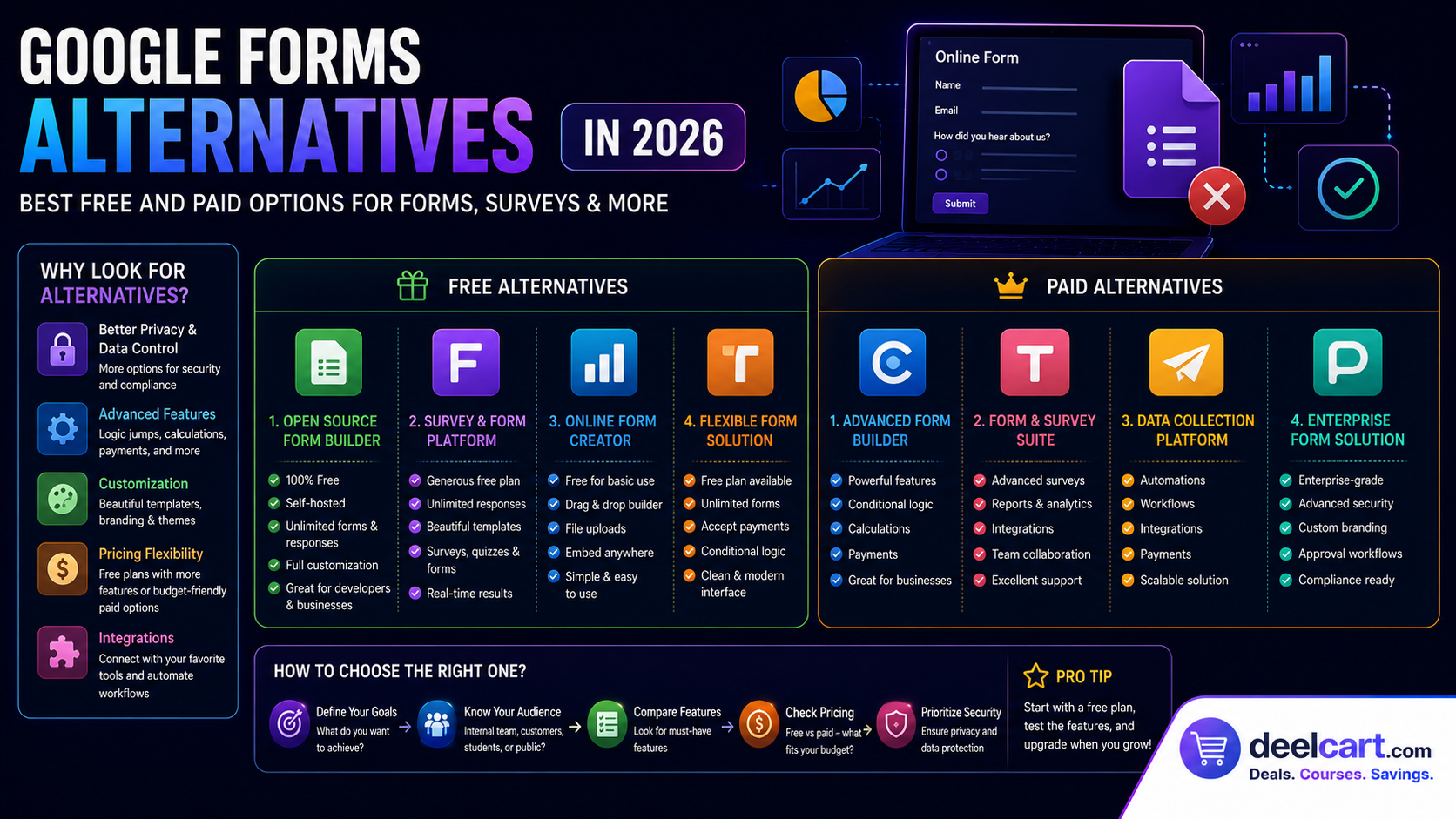
The problem shows up the moment you need more. You want forms that look like your brand, not a default Google template. You want branching logic that does not take 20 minutes to set up. You want submissions to trigger an automated workflow instead of piling up in a spreadsheet you check manually.
If you have hit that wall, this guide covers the best Google Forms alternatives available in 2026 — free and paid — with honest notes on who each one is actually for.
Why Look for a Google Forms Alternative?
Google Forms works well within its limits. Here is where those limits show up:
- Design control is minimal: Forms look like Google Forms. You can change colours but not much else.
- Conditional logic is basic: Setting up branching flows becomes tedious fast.
- Automation is limited: Responses land in a Google Sheet. What happens next is your problem.
- Data ownership: Your forms and responses live in Google's infrastructure. You are renting the tool, not owning it.
Quick Comparison
| Tool | Best For | Free Plan |
|---|---|---|
| Typeform | Polished conversational forms | Limited |
| Tally | Fast minimal forms | Generous (unlimited submissions) |
| Fillout | Logic-heavy forms on free plan | 1,000 responses/month |
| SurveyMonkey | Structured surveys and analysis | Limited (25 responses) |
| forms.app | AI-generated forms from a prompt | 5 forms, 100 submissions |
| Microsoft Forms | Microsoft 365 teams | Free with Microsoft account |
| Jotform | Template-rich, heavy customisation | 5 forms, 100 submissions |
| Agent Native Forms | Own your data, open source | Free and open source |
1. Typeform — Best for Conversational, Design-First Forms
Price: Free tier available, paid plans from $25/month Best for: Marketing, lead generation, feedback forms
Typeform popularised the one-question-at-a-time conversational form format and it is still the benchmark for forms that feel like a real interaction rather than a data entry task.
Where Google Forms shows all questions at once on a single page, Typeform presents one question at a time in a full-screen format — which tends to increase completion rates because the form feels less overwhelming.
What you will like:
- One-question-at-a-time format significantly improves completion rates on longer forms
- Design quality is excellent out of the box — forms look polished with minimal effort
- AI can generate a complete form from a text prompt
- Conditional logic lets you branch the conversation based on answers
- Integrates with HubSpot, Mailchimp, Slack, Salesforce, and thousands of tools via Zapier
- The free plan is limited on responses and questions per form
- Pricing climbs quickly as you scale to more responses
- The conversational format works best for shorter flows — long data-entry forms can feel slow
Get started: typeform.com
---
2. Tally — Best Free Google Forms Alternative
Price: Free plan available, paid from $29/month Best for: Teams that want a generous free plan and minimal setup
Tally is the closest thing to a true free Google Forms replacement. It uses a Notion-style block editor where each question is a block you add with a slash command — making it extremely fast to build forms without a learning curve.
Its free plan is genuinely generous: unlimited forms and unlimited submissions with no response cap. Most alternatives cap you at 100 or 1,000 responses per month on free plans.
What you will like:
- Unlimited forms and unlimited submissions on the free plan — the most generous free tier available
- Notion-style block editor is fast and intuitive once it clicks
- Conditional logic and calculations are available on the free plan
- Forms can be embedded as pop-ups directly on your website
- Supports file uploads, payment collection, and email notifications
- Built-in analytics and reporting are basic compared to dedicated survey tools
- Custom domains and white-label removal are paid features
- Less design flexibility than Typeform for branded forms
Get started: tally.so
---
3. Fillout — Best for Advanced Logic on a Free Plan
Price: Free plan available, paid from $15/month Best for: Teams that need complex conditional logic without paying on day one
Fillout is a powerful form builder whose free plan includes features that most competitors charge for — conditional logic, workflows, PDF generation, scheduling, and 1,000 responses per month.
It also has a two-click Google Forms importer, making it one of the easiest ways to upgrade an existing Google Form without rebuilding from scratch.
What you will like:
- Free plan includes conditional logic, workflows, PDF generation, and scheduling
- 1,000 responses per month on the free plan — significantly more than most competitors
- Import existing Google Forms in two clicks
- AI can draft a complete form from a text prompt
- Wide range of field types including file uploads, signatures, and payments
- Integrates with Notion, Airtable, HubSpot, and more
- The number of features means a steeper learning curve than simpler tools like Tally
- Free plan forms carry Fillout branding
- More complex interface than you need for simple one-page forms
Get started: fillout.com
---
4. SurveyMonkey — Best for Structured Surveys and Analysis
Price: Free tier available, paid from $25/month Best for: Research surveys, employee feedback, structured data collection
SurveyMonkey is purpose-built for surveys specifically — not just forms — and the difference shows in its question bank, analysis tools, and response reporting. If your primary need is running structured surveys and analysing the results, it has capabilities Google Forms simply does not.
What you will like:
- Pre-written question bank with thousands of validated survey questions across dozens of topics
- AI can generate a full survey from a prompt
- Response analysis is far stronger than Google Forms — completion rates, question-level breakdowns, drop-off points
- You can purchase responses from targeted audience panels for market research
- Strong mobile apps for monitoring responses on the go
- The free plan is tightly limited — approximately 10 questions and 25 responses per survey
- Some advanced question types like matrix and ranking that Google Forms offers free are paid here
- More expensive than most alternatives at scale
Get started: surveymonkey.com
---
5. forms.app — Best AI-First Form Builder
Price: Free plan available (5 forms, 100 submissions/month), paid from $19/month Best for: Anyone who wants to go from a prompt to a finished form as fast as possible
forms.app puts AI at the centre of the form-building experience. You describe the form you want, specify how many questions, and the AI generates the entire thing — question types, labels, and flow — in seconds. It is the fastest way to create a complete form from scratch.
What you will like:
- AI form generation produces a full, structured form from a plain-English description
- AI features are available on the free plan
- Good design customisation controls
- Solid built-in analytics with completion rates and drop-off tracking
- Conditional logic and branching on paid plans
- Free plan is limited to 5 forms and 100 submissions per month
- Advanced conditional logic and design controls require upgrading
- Not as established as Typeform or Jotform in terms of integrations
Get started: forms.app
---
6. Microsoft Forms — Best for Microsoft 365 Teams
Price: Free with a Microsoft account Best for: Teams already using Microsoft 365, SharePoint, and Excel
If your team lives in Microsoft 365, Microsoft Forms is the natural choice. It is free with any Microsoft account and connects tightly to Excel — submissions sync live to a spreadsheet the moment they arrive, ready to analyse without any export or import steps.
What you will like:
- Free with any Microsoft account — no separate subscription needed
- Submissions sync live to Excel for immediate analysis
- Microsoft Copilot can generate a form from a prompt and suggest improvements
- Can convert Word documents and PDFs into forms automatically
- Sharing options include QR codes, Teams messages, and Outlook emails
- Results integrate with Power BI for advanced reporting
- Design control is limited despite the theme options
- Does not integrate directly with Zapier (though Excel does, as a workaround)
- Less powerful conditional logic than dedicated form builders
- Limited for external-facing forms where you want custom branding
Get started: forms.office.com
---
7. Jotform — Best for Templates and Heavy Customisation
Price: Free plan available (5 forms, 100 submissions/month), paid from $34/month Best for: Teams that want to start from a proven template
Jotform has the largest template library of any form builder — thousands of pre-built forms covering everything from job applications and medical intake forms to event registrations and payment collection. If there is a form you need to build, Jotform almost certainly has a template for it.
What you will like:
- Thousands of pre-built templates across every industry and use case
- Native support for payments, file uploads, e-signatures, and product lists — features Google Forms does not have
- Deep conditional logic and calculation fields
- AI form generation from a prompt
- PDF export and report builder built in
- Integrates with Salesforce, HubSpot, PayPal, Stripe, and more
- Free plan is limited to 5 forms and 100 submissions per month
- The interface can feel overwhelming given the sheer number of features
- Getting started with the reporting tools has a learning curve
Get started: jotform.com
---
8. Agent Native Forms — Best for Data Ownership and Open Source
Price: Free and open source Best for: Technical teams who want to own their form data completely
Agent Native Forms takes a completely different approach from every other tool on this list. Instead of storing your submissions in a vendor's database, it stores them in your own SQL database. You fork the project, deploy it yourself, and own everything — the code, the data, and the infrastructure.
You build and edit forms by talking to an AI agent in natural language, and a visual editor lets you make fine-grained adjustments — both working over the same underlying form definition so nothing ever drifts out of sync.
What you will like:
- Completely free and open source — no subscription, no per-response fees
- Submissions stored in your own SQL database — you own your data entirely
- Build and edit forms in natural language with an AI agent
- Server-side routing sends submissions to Slack, Discord, Google Sheets, or any webhook
- All standard field types included — text, email, select, date, rating, and more
- Requires technical comfort with deploying and running your own application and database
- Newer than the established platforms — less polish and fewer integrations
- No large template gallery
Get started: agent-native.com
---
Which Google Forms Alternative Should You Choose?
- Want the best free plan with no submission limits: Tally
- Want polished, high-converting forms: Typeform
- Want advanced logic without paying: Fillout
- Running structured surveys and analysing results: SurveyMonkey
- Want AI to build the whole form from a prompt: forms.app
- Already using Microsoft 365: Microsoft Forms
- Need payments, signatures, or file uploads: Jotform
- Want full data ownership and open source: Agent Native Forms
Frequently Asked Questions
What is the best free alternative to Google Forms?
Tally offers the most generous free plan — unlimited forms and unlimited submissions with no response cap. Fillout is a strong second choice if you need advanced conditional logic, offering 1,000 responses per month on its free plan.
Which Google Forms alternative is best for surveys?
SurveyMonkey is purpose-built for surveys with a pre-written question bank and stronger response analysis. forms.app is a good alternative if you want AI to generate the survey automatically.
Can I import my existing Google Forms into another tool?
Yes. Fillout supports two-click Google Forms import. Most other tools require rebuilding from scratch, though the process is quick with AI form generation tools.
Which alternative works best with Microsoft 365?
Microsoft Forms. It is free with a Microsoft account and syncs submissions live to Excel.
Is there an open-source Google Forms alternative?
Yes. Agent Native Forms is open source and stores submissions in your own SQL database rather than a vendor's account — making it the strongest choice for teams focused on data privacy and ownership.
Justin is a self-taught developer who builds and runs DeelCart himself — from the articles to the server it runs on. He manages his own Linux infrastructure and writes guides based on tools and workflows he actually uses day to day.