7 Best No-Code App Builders in 2026 (Build Apps Without Coding)
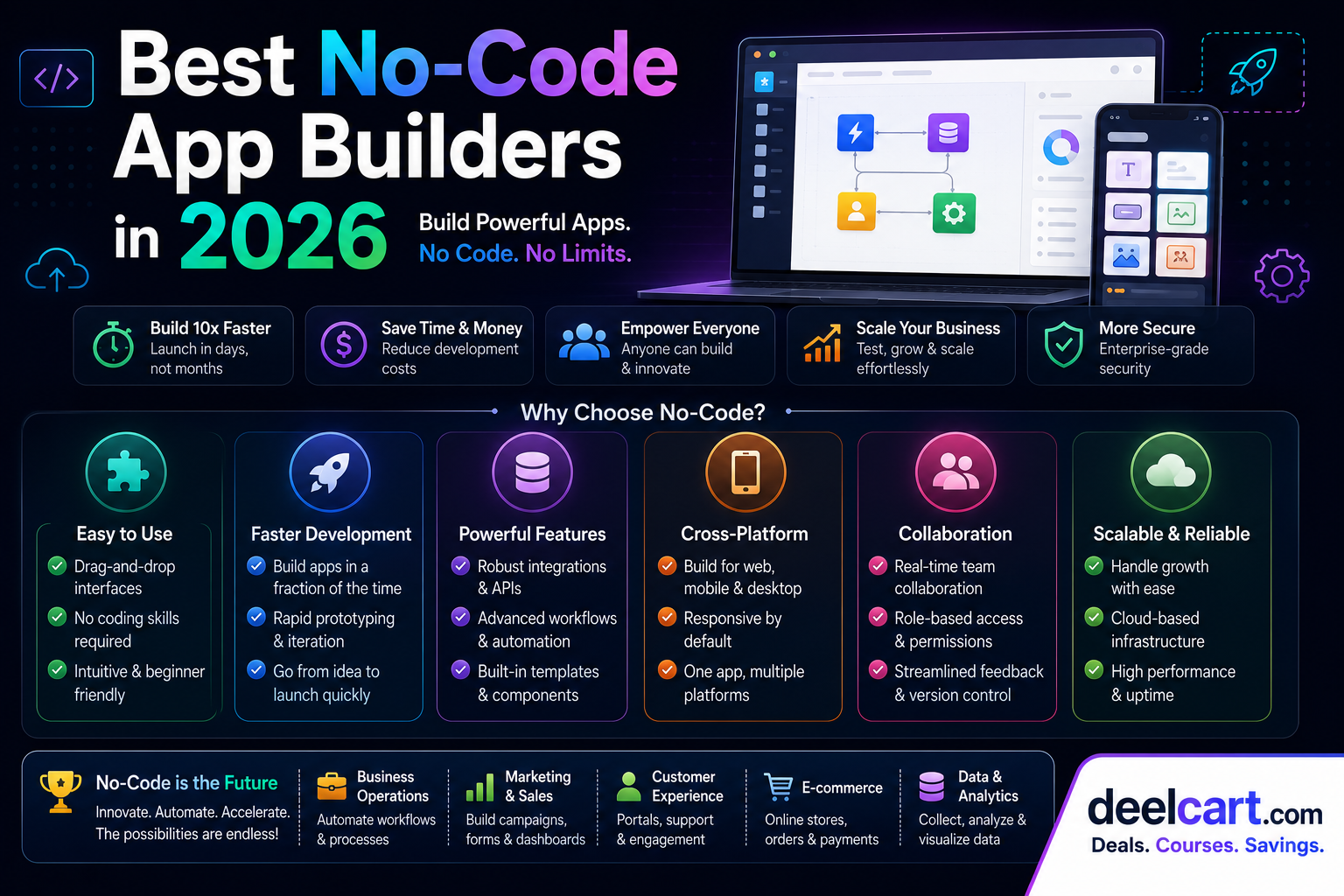
Table of Contents
- What Is a No-Code App Builder?
- 1. Bubble — Best No-Code Platform for Full Web Applications
- 2. Webflow — Best No-Code Builder for Websites and Web Apps
- 3. Glide — Best No-Code Builder for Mobile Apps
- 4. Adalo — Best No-Code Builder for Native Mobile Apps
- 5. Retool — Best No-Code Builder for Internal Business Tools
- 6. Softr — Best No-Code Builder for Client Portals and Membership Sites
- 7. FlutterFlow — Best No-Code Builder for High-Performance Mobile Apps
- Which No-Code App Builder Should You Choose?
- Can No-Code Apps Scale?
- Frequently Asked Questions
Whether you want to launch a startup, build an internal business tool, or create a client-facing application, no-code platforms have matured to the point where they can handle real production workloads. This guide covers the best no-code app builders available in 2026, who each one is best for, and how to choose the right one for your project.
What Is a No-Code App Builder?
A no-code app builder is a platform that lets you create fully functional applications using visual drag-and-drop interfaces, pre-built components, and logic builders — without writing code.
Modern no-code platforms can handle:
- Database design: Create tables, relationships, and data models visually
- UI design: Build screens and interfaces by dragging components onto a canvas
- Business logic: Define rules, conditions, and workflows without code
- User authentication: Add login, signup, and role-based access control
- API integrations: Connect to external services and data sources
- Deployment: Publish apps to web and mobile without managing servers
1. Bubble — Best No-Code Platform for Full Web Applications
Developer: Bubble Group Price: Free tier available, paid plans from $29/month Best for: Startups, SaaS products, marketplaces, complex web apps
Bubble is the most powerful no-code platform available and the closest thing to building a real web application without code. It gives you complete control over your app's database, logic, and design — more flexibility than any other no-code tool.
Thousands of real startups have been built on Bubble, including apps that have gone on to raise venture capital funding. If you want to build something complex — a marketplace, a SaaS product, a social network — Bubble is the platform that can handle it.
Key features:
- Visual database: Design your own data structure with custom data types and fields
- Drag-and-drop UI builder: Build pixel-perfect interfaces with full design control
- Workflow editor: Define complex business logic with conditional workflows
- User authentication: Built-in login, signup, and role-based permissions
- API connector: Connect to any external API or service
- Plugin marketplace: Hundreds of community plugins for payments, maps, charts, and more
- Responsive design: Build apps that work on desktop and mobile
- Version control: Save and restore previous versions of your app
- Qoins — a fintech app that raised $2.7M
- Comet — a freelance marketplace used by Fortune 500 companies
- Dividend Finance — a financial services platform
Get started: bubble.io
---
2. Webflow — Best No-Code Builder for Websites and Web Apps
Developer: Webflow Inc. Price: Free tier available, paid plans from $14/month Best for: Designers, marketing teams, content-heavy websites
Webflow sits at the intersection of a website builder and a no-code app platform. It gives designers complete visual control over HTML, CSS, and JavaScript behaviour without writing code — producing clean, production-quality code under the hood that loads fast and ranks well on Google.
In 2026, Webflow has expanded significantly beyond websites into full web application territory with Webflow Logic (workflow automation) and its CMS capabilities. For content-heavy sites, marketing pages, and design-forward web products, Webflow is unmatched.
Key features:
- Visual CSS editor: Design with complete control over layout, typography, and animations
- CMS: Build dynamic content-driven sites with a visual content management system
- Interactions and animations: Create sophisticated scroll animations and micro-interactions without code
- Ecommerce: Build online stores with full product management and checkout
- Webflow Logic: Visual workflow automation for form submissions, user actions, and data triggers
- Hosting: Built-in fast hosting on a global CDN
- SEO controls: Fine-grained control over meta tags, canonical URLs, and structured data
Get started: webflow.com
---
3. Glide — Best No-Code Builder for Mobile Apps
Developer: Glide Apps Price: Free tier available, paid plans from $49/month Best for: Internal tools, mobile apps from spreadsheets, field teams
Glide turns Google Sheets, Excel, or Airtable data into beautiful mobile apps in minutes. It is the fastest way to build a functioning mobile app from existing data — no design experience required.
Glide is particularly popular for internal business tools — employee directories, inspection checklists, inventory trackers, field service apps — where the priority is getting a functional app in front of users quickly rather than pixel-perfect design.
Key features:
- Spreadsheet-powered: Connect Google Sheets, Excel, or Airtable as your database
- Instant mobile app: Automatically generates a mobile-friendly app from your data
- Components library: Lists, maps, charts, forms, and detail views ready to use
- User-specific data: Show different data to different users based on their email or role
- Glide Tables: Built-in database for apps that have outgrown spreadsheets
- Actions: Add buttons and workflows that update data, send emails, and trigger integrations
- White-label: Publish apps with your own branding
Get started: glideapps.com
---
4. Adalo — Best No-Code Builder for Native Mobile Apps
Developer: Adalo Price: Free tier available, paid plans from $45/month Best for: Mobile app startups, entrepreneurs, client app projects
Where Glide creates progressive web apps that work like mobile apps in a browser, Adalo builds real native mobile apps that can be published to the Apple App Store and Google Play Store. This makes it the go-to choice for entrepreneurs who need a real app store presence.
Adalo's visual builder is straightforward and beginner-friendly, making it accessible to entrepreneurs with no design or development background.
Key features:
- Native iOS and Android apps: Publish directly to the App Store and Google Play
- Visual app builder: Drag-and-drop screens and components
- Built-in database: Create your own data collections without a spreadsheet
- User authentication: Login, signup, and user-specific data built in
- External collections: Connect to external APIs and databases
- Push notifications: Send targeted push notifications to app users
- In-app payments: Integrate Stripe for payments inside your app
- Component marketplace: Community-built components for additional functionality
Get started: adalo.com
---
5. Retool — Best No-Code Builder for Internal Business Tools
Developer: Retool Inc. Price: Free for up to 5 users, paid plans from $10/user/month Best for: Developers and technical teams building internal tools
Retool is not a pure no-code tool — it sits in the low-code category, meaning it is designed for users who are comfortable with basic coding but want to build internal tools much faster than writing everything from scratch. It is included here because it dominates the internal tools category and is used by companies like Amazon, DoorDash, and Brex.
With Retool, you can build admin panels, dashboards, data management tools, and operational apps by connecting directly to your database and APIs, then dragging and dropping UI components around the data.
Key features:
- Direct database connection: Connect to PostgreSQL, MySQL, MongoDB, Redis, and more
- API integration: Connect to any REST or GraphQL API
- Pre-built components: Tables, forms, charts, calendars, maps, and more ready to use
- JavaScript anywhere: Write custom JavaScript in any component for advanced logic
- Role-based access: Control which users can see and edit which data
- Retool Mobile: Build mobile versions of internal tools
- Retool Workflows: Automate background jobs and scheduled tasks
- Self-hosted option: Deploy on your own infrastructure for data privacy
Get started: retool.com
---
6. Softr — Best No-Code Builder for Client Portals and Membership Sites
Developer: Softr Inc. Price: Free tier available, paid plans from $49/month Best for: Agencies, membership sites, client portals, directories
Softr builds on top of Airtable or Google Sheets to create client portals, membership sites, directories, and community platforms. It is the fastest way to turn a spreadsheet or Airtable base into a professional-looking web application with user login and gated content.
Key features:
- Airtable and Google Sheets integration: Your spreadsheet becomes your database instantly
- User authentication: Members-only content with login and signup
- Conditional visibility: Show different content to different user types
- Pre-built blocks: Headers, lists, cards, forms, charts, and more
- Stripe integration: Charge for membership access with recurring subscriptions
- Custom domain: Publish on your own domain with SSL
- White-label: Remove Softr branding on paid plans
Get started: softr.io
---
7. FlutterFlow — Best No-Code Builder for High-Performance Mobile Apps
Developer: FlutterFlow Inc. Price: Free tier available, paid plans from $30/month Best for: Developers and technical entrepreneurs building production mobile apps
FlutterFlow is the most technically advanced no-code mobile app builder available. It generates real Flutter code — Google's cross-platform mobile framework — which means apps built in FlutterFlow perform like natively coded apps and can be exported as real source code.
This makes FlutterFlow unique: it is a no-code tool that produces code you can actually take to a developer to extend, modify, and maintain. It is the closest thing to having a developer build your app, without needing one.
Key features:
- Real Flutter code generation: Every design decision generates actual Flutter/Dart code
- Code export: Download the full source code of your app at any time
- Firebase integration: Built-in connection to Firebase for database, auth, and storage
- Custom code support: Add custom Flutter code alongside visual components
- UI component library: Hundreds of pre-built mobile UI components
- Supabase integration: Connect to Supabase as an alternative backend
- API integrations: Connect to any REST API
- App Store publishing: Deploy directly to iOS and Android stores
Get started: flutterflow.io
---
Which No-Code App Builder Should You Choose?
| Your Goal | Best Choice |
|---|---|
| Build a SaaS product or marketplace | Bubble |
| Build a marketing website or content site | Webflow |
| Turn a spreadsheet into a mobile app | Glide |
| Publish an app to the App Store | Adalo or FlutterFlow |
| Build internal business tools | Retool or Glide |
| Build a client portal or membership site | Softr |
| Need exportable production-quality code | FlutterFlow |
For most entrepreneurs and small business owners building their first app, Bubble is the safest choice for web apps and Adalo or FlutterFlow for mobile apps. Both have large communities, extensive documentation, and proven track records of powering real businesses.
Can No-Code Apps Scale?
This is the most common concern about no-code platforms — and the answer is: yes, with caveats.
Bubble, Webflow, and Retool all power apps with tens of thousands of users. The platforms handle hosting, scaling, and infrastructure so you do not have to. However, no-code apps can hit performance and customisation limits as they grow, at which point some businesses choose to rebuild specific parts in custom code.
The right approach for most startups is to launch with no-code, validate the product, generate revenue, and then invest in custom development for the parts that need it — rather than spending months and significant money on custom code before you have a single user.
Frequently Asked Questions
Can I build a real business on a no-code platform?
Yes. Thousands of real businesses — including venture-backed startups — run on Bubble, Webflow, and Glide. No-code platforms are production-ready for most use cases.
Do no-code apps work on mobile?
It depends on the platform. Webflow and Bubble build responsive web apps that work on mobile browsers. Adalo and FlutterFlow build native mobile apps for iOS and Android. Glide builds progressive web apps that feel like mobile apps but run in the browser.
What happens if I outgrow a no-code platform?
Most no-code platforms allow you to export your data. FlutterFlow exports your actual Flutter code. For other platforms, you may need to rebuild in custom code, but by that point you will have validated your product and likely have the revenue to invest in development.
How long does it take to build an app with no-code tools?
Simple apps can be built in a few hours. More complex apps typically take 2 to 8 weeks depending on the features required. This is dramatically faster than custom development, which typically takes 3 to 12 months for equivalent functionality.
Do I need any technical knowledge to use no-code tools?
Not for most platforms. Bubble, Glide, Adalo, Softr, and Webflow are all designed for non-technical users. Retool and FlutterFlow benefit from some technical understanding but are still far faster than writing code from scratch.
Justin is a self-taught developer who builds and runs DeelCart himself — from the articles to the server it runs on. He manages his own Linux infrastructure and writes guides based on tools and workflows he actually uses day to day.